
MQTT Communication
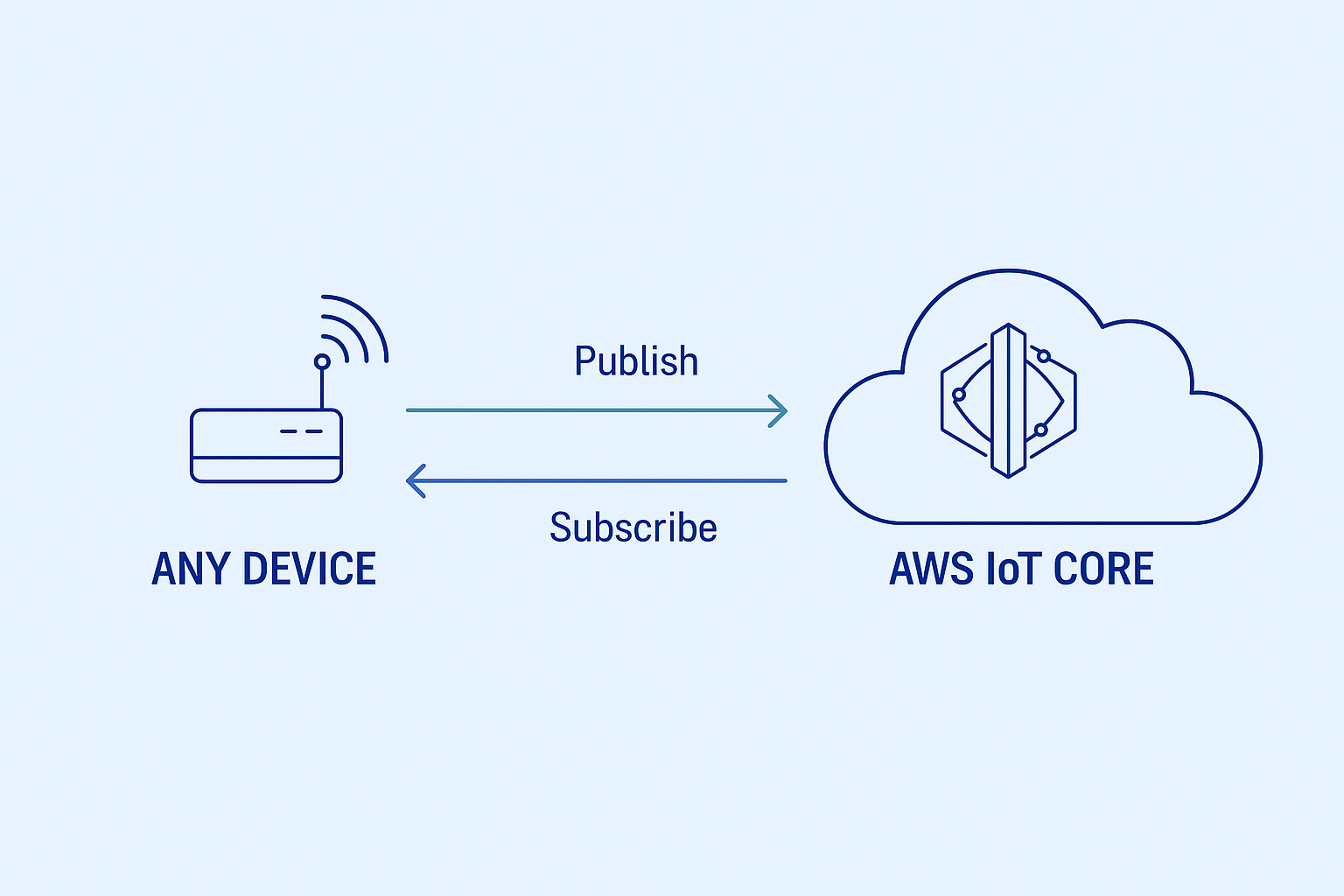
This document provides a comprehensive guide for implementing MQTT communication between any device and the Numio platform.
1. Introduction
MQTT (Message Queuing Telemetry Transport) is a lightweight messaging protocol designed for constrained devices and low-bandwidth, high-latency networks. It’s perfect for IoT applications where efficient communication is crucial.
2. Requirements
Before starting the implementation, you need:
- Setup Gateway
- Retrieve broker endpoint
- Download generated certificates and keys for MQTT client authentication
- A device that supports MQTT communication (e.g., using a Python MQTT client like
paho-mqtt)
All of the above can be obtained from Numio through your assistant.
3. MQTT Basics
3.1. Connection Setup
To establish a connection with the Numio MQTT broker, you need to configure your MQTT client with the following parameters:
import paho.mqtt.client as mqtt
THING_NAME = "your-assigned-thing-name"BROKER_URL = "your-assigned-endpoint.amazonaws.com"PORT = 8883CERT_PATH = "certificate.pem.crt"KEY_PATH = "private.pem.key"CA_PATH = "AmazonRootCA1.pem"
client = mqtt.Client()client.tls_set(CA_PATH, certfile=CERT_PATH, keyfile=KEY_PATH)client.connect(BROKER_URL, PORT)
3.2. QoS Levels
Numio supports two Quality of Service (QoS) levels:
- QoS 0: At most once delivery (no guarantee of delivery)
- QoS 1: At least once delivery (guaranteed delivery, but may be duplicated)
3.3. Retained Messages
- Messages are not retained by default
- Each message is delivered only to currently connected subscribers
4. Security and Authentication
Each device authenticates using X.509 certificates issued by AWS. The Device must use:
- Client ID matching the ThingName
- TLS 1.2 with the following files:
- CA certificate:
AmazonRootCA1.pem - Device certificate:
cert.pem - Private key:
private.key
- CA certificate:
5. Testing and Debugging
You can use mosquitto_sub and mosquitto_pub for testing:
mosquitto_sub -h your-iot-endpoint.amazonaws.com -p 8883 --cafile AmazonRootCA1.pem --cert cert.pem --key private.key -t "your/topic"6. Troubleshooting
6.1. Cannot connect to MQTT broker
Symptoms:
- Error messages such as
Connection RefusedorSSL handshake failed
Possible Causes:
- Incorrect broker endpoint
- Mismatch between
Client IDand registeredThingName - Missing or invalid certificate files (CA, cert, key)
- Port
8883is blocked by firewall or network settings
Recommended Actions:
- Verify certificate and key paths
- Ensure the broker URL is correct and reachable
- Use tools like
opensslortelnetto confirm port availability:
openssl s_client -connect your-endpoint.amazonaws.com:88837. Conclusion
This document outlines the basic MQTT communication setup with the Numio platform. For specific implementations like Device Shadow or Telemetry, please refer to their respective documentation.